Auto-Moderation
We currently support two options for auto-moderation:
* Akismet

* Banned Words List
Akismet runs in the background and will check registrations, comments, and posts for SPAM behavior or content and then block or hide that content automatically for review. It integrates well with both BuddyBoss and Paid Membership Pro.
The banned words list is a bit trickier. It’s a massive, open-source list that does help prevent a lot of malicious activity, but in our testing it also blocks legitimate content. They may have added “Wrong Think” items to this list. If we want to use that list, we will have to review it in detail to make sure it doesn’t have anything overly strict and unnecessary.
This is a big problem when trying to use bad behavior 3rd party systems, as most are built in cancel culture circles and would be too aggressive. Making us no different from other social media sites that all use the same 3rd party scanners.
Community Moderation
This is where we most of our power lies. The community itself can help us monitor and act on bad behavior.
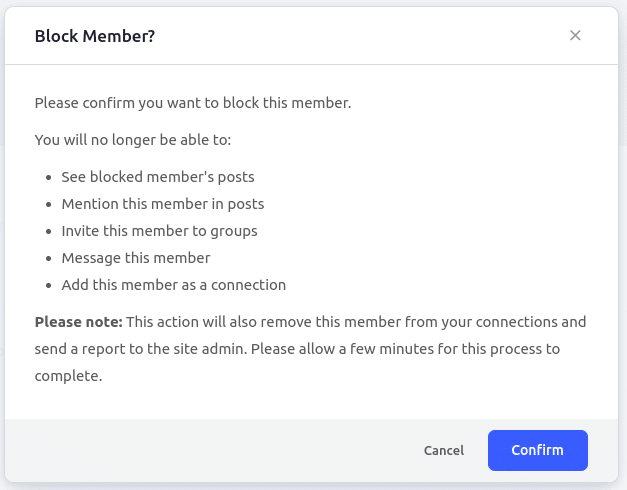
Members can block or report other members for bad behavior. We can then penalize the user automatically after x number of blocks/reports. This alerts the admins of an auto-action, which can then be reviewed.
Auto-suspension settings for a user Example dialog for blocking a user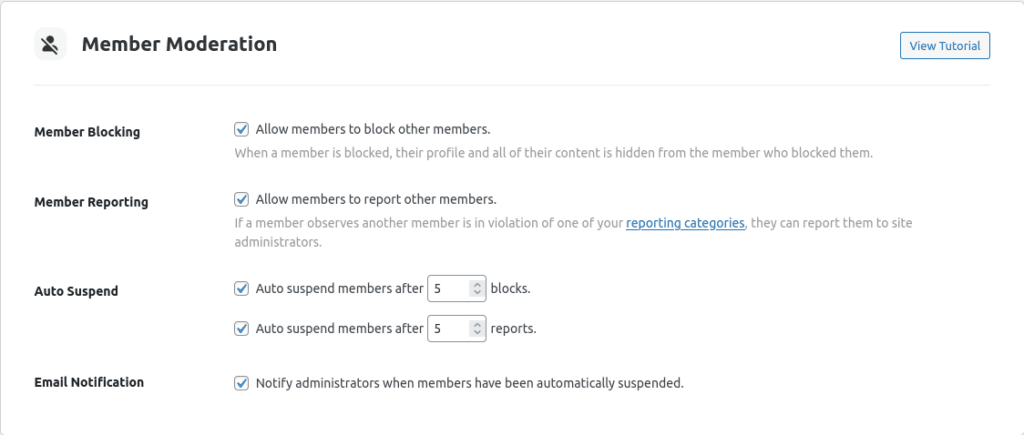
Moderators and admins can also see any user who has been reported or blocked and open an investigation, issue warnings, etc.
What a moderator/admin will see when visiting the Moderation tools in the back-end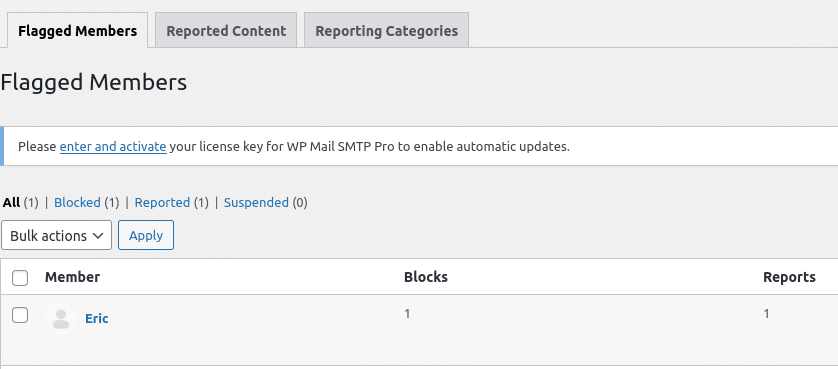
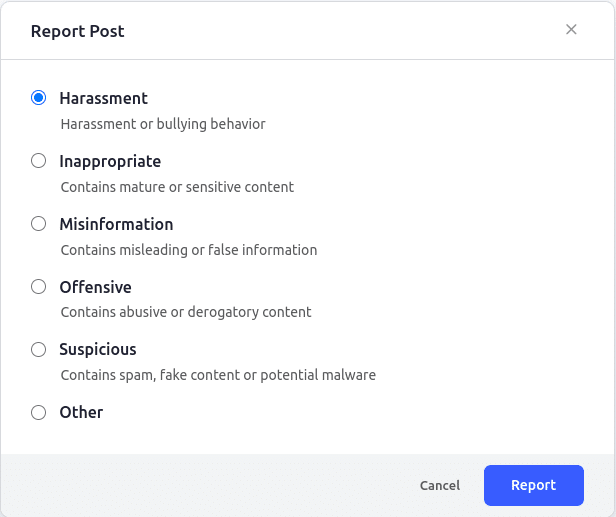
Content reporting works similarly. We can control the types of content that can be reported, what categories they can be reported for, and if we auto-hide that content based on the number of reports. If content is auto-hidden via reports, admins are notified and can review.
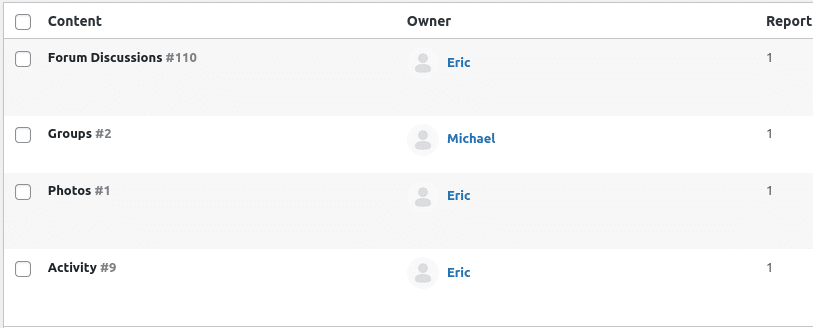
Moderators and admins can also look over reported content at any time for investigation and action.
Auto-suspension rules for content Example dialog for reporting content What a moderator/admin will see when visiting the Moderation back-end tool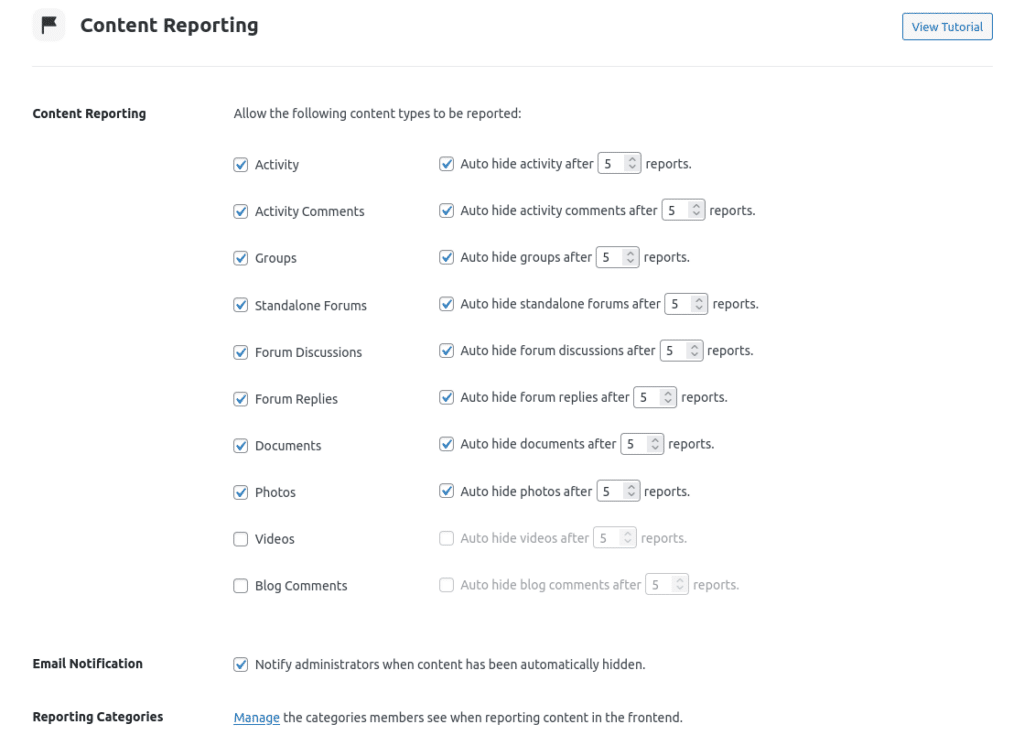
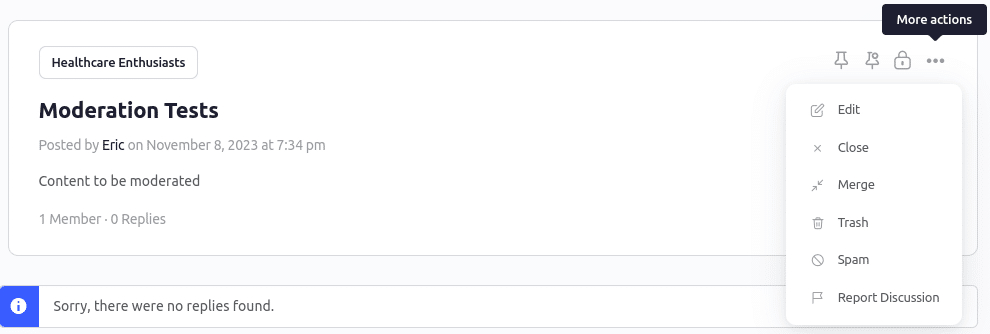
Moderators can manage a lot of the content on the front-end without needing back-end access.
What a normal user sees Moderators/Admins have more they can do on a forum/thread directly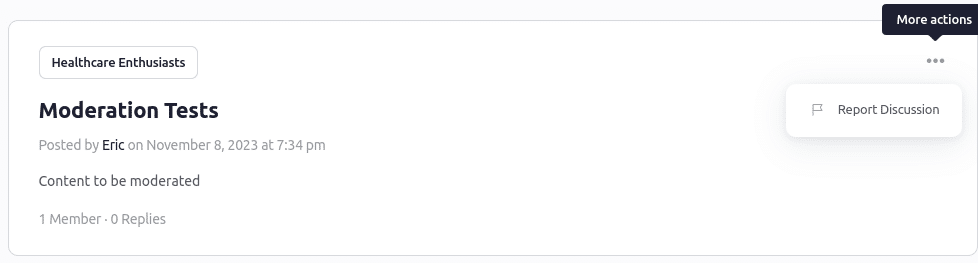
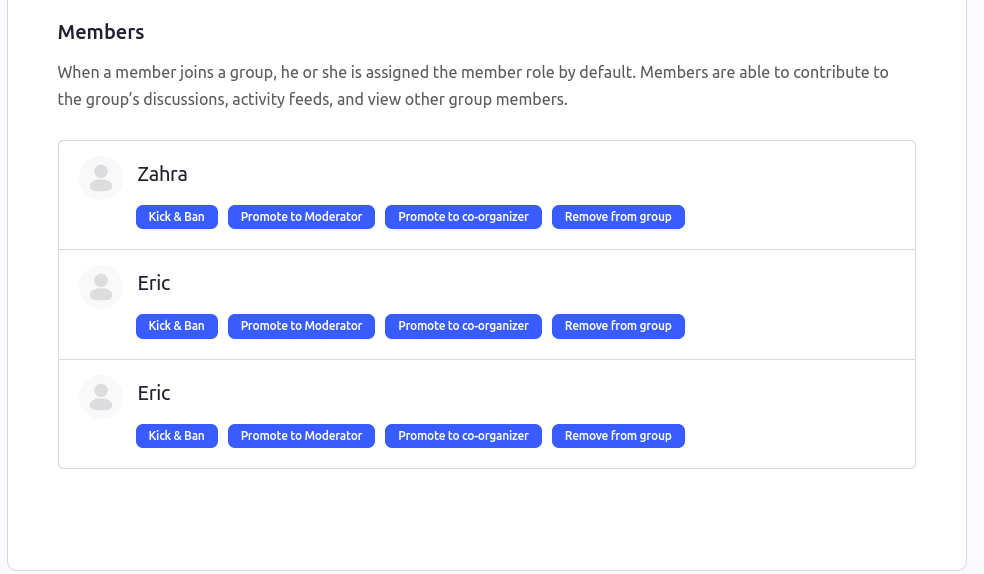
Organizers/Admins can easily promote, kick, ban, etc. users from a Group via the front-end manager.